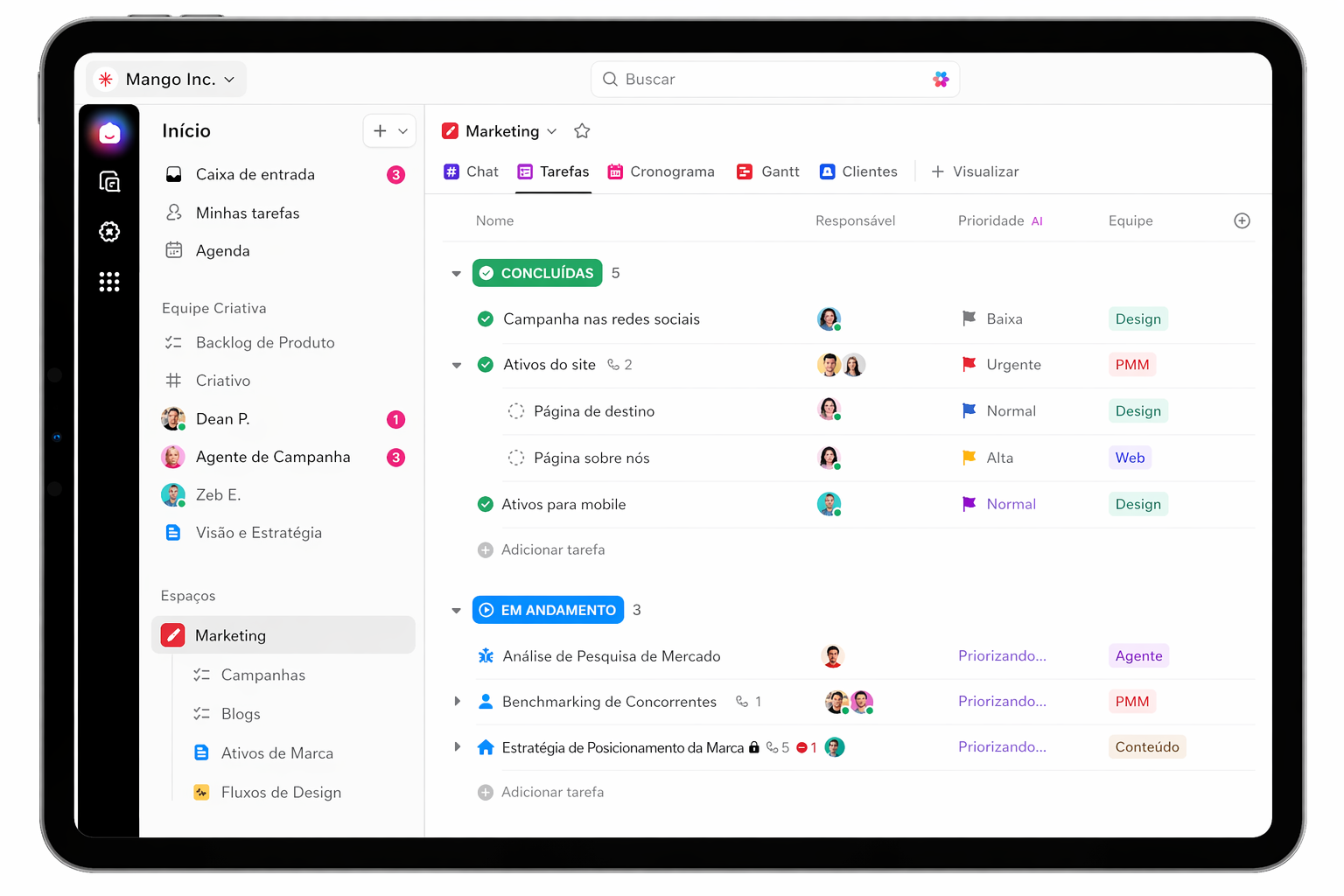
Migration to ClickUp

Migrate to ClickUp securely and without disruption

We’ll migrate your projects from any tool—Jira, Monday, Asana, Trello, or other platforms— to ClickUp, keeping your workflow organized, structured, and ready to scale.

No downtime Data organized in ClickUp Transition guided by TaskUP
Migrating Projects to ClickUp with TaskUP
Centralized projects
Secure migration
Stress-free migration

What usually causes a migration to stall?

Click on each point to learn how TaskUP facilitates a smooth transition to ClickUp.

How it works

4-step migration process

A clear plan to safely migrate your operations to ClickUp, with ongoing validation and support at every stage.

01

Complete Inventory

We've mapped everything in the current tool: projects, tasks, custom fields, automations, attachments, and integrations.

02

Migration Planning

We determine what will be migrated, what will remain, and the order of execution, and we validate the plan together with your team.

03

Batch Processing

We migrate by team, department, or project, with a review at each stage and the current tool still active.

04

Final Validation and Go-Live

We reviewed the migrated data, trained the team, and implemented ClickUp as the official tool for the operation.

How TaskUP works

    Plan my migration
    Migration to ClickUp

    A transition designed to ensure security from start to go-live

    From the initial analysis of the current tool to the final validation in ClickUp, we manage every step to mitigate risks, prevent downtime, and ensure a smooth adoption process for the team.

    100%
    0%

    Data integrity

    Projects, tasks, comments, attachments, assignees, and deadlines are validated at each stage of the migration.

    0
    0 downtime

    Active operation

    The migration takes place in batches, so you can continue using your current tool until everything has been synced to ClickUp.

    4
    0 steps

    Structured process

    Inventory, planning, phased implementation, and guided go-live for a smoother and more predictable transition.

    1
    0 ClickUp

    Everything in one place

    We migrated data from tools such as Jira, Monday, Asana, and Trello to a streamlined workflow in ClickUp.

    Investment

    Assisted migration to ClickUp with security and validation

    Starting at R$ 8,000 for assisted migrations. Includes triple backup, checksum validation, data transfer, preconfigured templates, and staff training.

    Starting at R$ 8,000 assisted migration
    • Triple data backup
    • Checksum validation
    • Transfer of projects and tasks
    • Templates set up in ClickUp
    • Team training
    See all plans
    Frequently Asked Questions

    Any questions before migrating?

    See the most common questions about compatible tools, history, business continuity, and the migration timeline.

    What tools are you migrating from?

    Jira, Monday.com, Asana, Trello, Basecamp, Wrike, Microsoft Project, Smartsheet, and Excel or Google Sheets.

    Can I keep my comment history?

    Yes. We migrate comments, activities, change logs, and attachments, preserving the original dates whenever possible.

    Does the team need to stop working during the migration?

    No. We keep the current tool active throughout the entire process. The switch to ClickUp only takes place after full validation.

    How long does a migration take?

    Simple migrations take 1 to 2 days. Complex environments with many projects can take up to 2 weeks, including validation.

    Próximos passos

    Continue pelo caminho mais útil para sua operação ClickUp

    Explore diagnóstico, demonstração, integração, migração, licenças, treinamento e comparativos sem sair do cluster TaskUP.

    Scroll up
    Ruby Partner #1 — Free 60-minute assessment Schedule →
    💬 WhatsApp Super Agent