
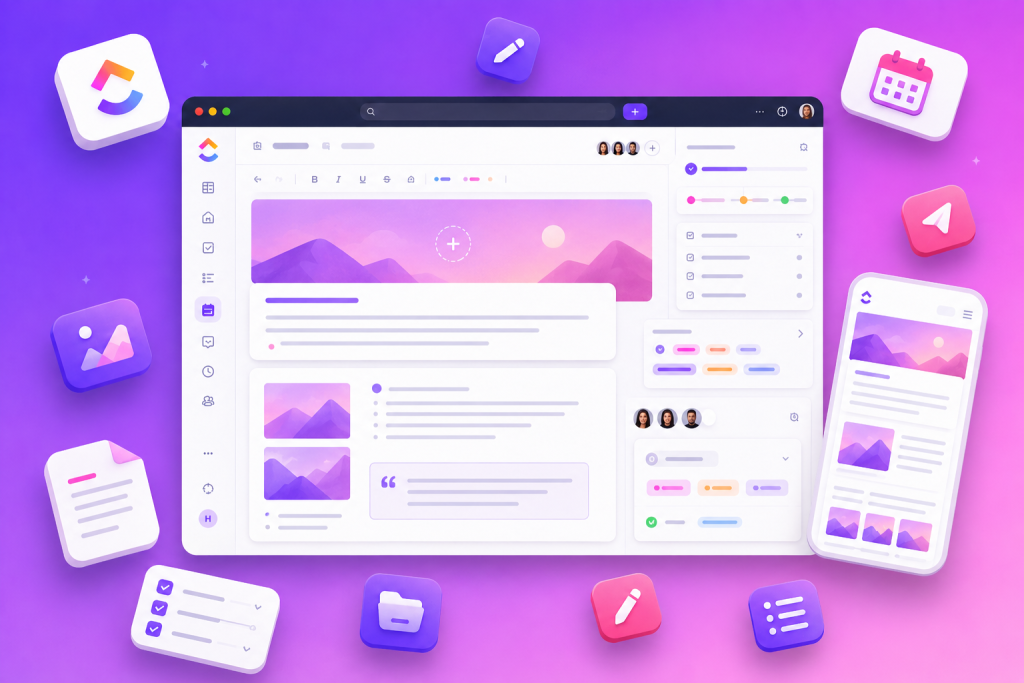
The ClickUp Blog Template organizes the complete content creation cycle, allowing you to plan, collaborate and publish posts with clear steps from ideation to publication. Using this template, teams can centralize ideas, track article status, apply custom fields and take advantage of views such as calendar and boards to control deadlines and responsibilities.
This template was designed to be fully customizable and work for both those starting a blog and for teams that want to improve existing processes. The main features include customized statuses, custom fields, multiple views (List, Gantt, Workload, Calendar) and project management features such as screen recording, collaborative editing, automations and AI support. repeatable. Core items include:
ClickUp Blog Template: What It Includes
The blog template brings together elements that help you plan, write and publish posts in a repeatable way. Core items include:
- Custom statuses to track post phases (e.g. idea, writing, review, ready to publish).
- Custom fields to categorize posts, prioritize agendas, and add visual attributes to items.
- Various views such as List, Gantt, Workload and Calendar to support planning and monitoring.
- Management tools that facilitate coordination: screen recording, collaborative editing, automations and AI resources.
These components allow you to structure the editorial flow and offer visibility to writers, editors and other stakeholders, ensuring that each post progresses through the process until publication.
How to use the ClickUp Blog Template in the editorial flow
The practical use of the template follows four key stages — brainstorming, editorial calendar, writing/formatting, and promotion — with specific tools for each phase:
| Flow phase | Template feature and application |
|---|---|
| Brainstorm | Use a Doc to collect ideas, topics and initial concepts. |
| Editorial Calendar | Organize deadlines and publishing dates in the Calendar view. |
| Write and format | Control progress in Board view and centralize versions in the Doc. |
| Promotion | Configure Automations to distribute content across networks and send emails. |
| Post tracking | Apply Custom Fields and Custom Statuses to track metrics, categories and stages. |
The table shows how to link each step of the flow to a specific template resource, making the process predictable and repeatable without relying on external solutions.
Organization and collaboration: fields, statuses and automations
To keep content aligned among different collaborators, it is recommended to use fields and statuses consistently and define clear responsibilities. A practical set of actions to implement the template includes creating one project per post, assigning tasks to authors and editors, and setting deadlines within the project timeline.
Additionally, automations help reduce manual work and ensure that notifications and distribution processes happen at the right time. Collaborative editing in Docs facilitates joint review, while screen recording can be useful for visual briefings or content demonstrations.
Practical steps to configure the template in Workspace:
- Add the template to Workspace and choose the Space where it will be applied.
- Invite members and guests to the workspace where the template will be available.
- Create a project for each new post to keep activities isolated and traced.
- Assign tasks to specific members and define timelines for each post phase.
- Organize tasks into categories or lists that represent stages of the flow editorial.
- Configure notifications and automations to alert managers about updates and trigger promotions.
- Schedule periodic meetings to review agendas and align deliveries.
- Monitor and analyze tasks to ensure productivity and identify bottlenecks in the process.
These setup steps are simple and focused on ensuring the entire team is on the same page, with visibility into tasks and responsibilities throughout the editorial process.
The ClickUp Blog Template provides a structured foundation for turning ideas into consistent posts. Using custom fields and statuses, calendar and board views, automations, and collaborative features, you can standardize your editorial flow, reduce rework, and speed up content delivery. Implementing the template with a clear creation, review and promotion routine helps teams maintain deadlines and quality in publications.
Explore more
Everything TaskUP does with ClickUp, in English.