ClickUp Migration
Migrate to ClickUp safely and without disruption
We transfer your projects from any tool — Jira, Monday, Asana, Trello, or other platforms — to ClickUp, keeping your operation organized, structured, and ready to grow.
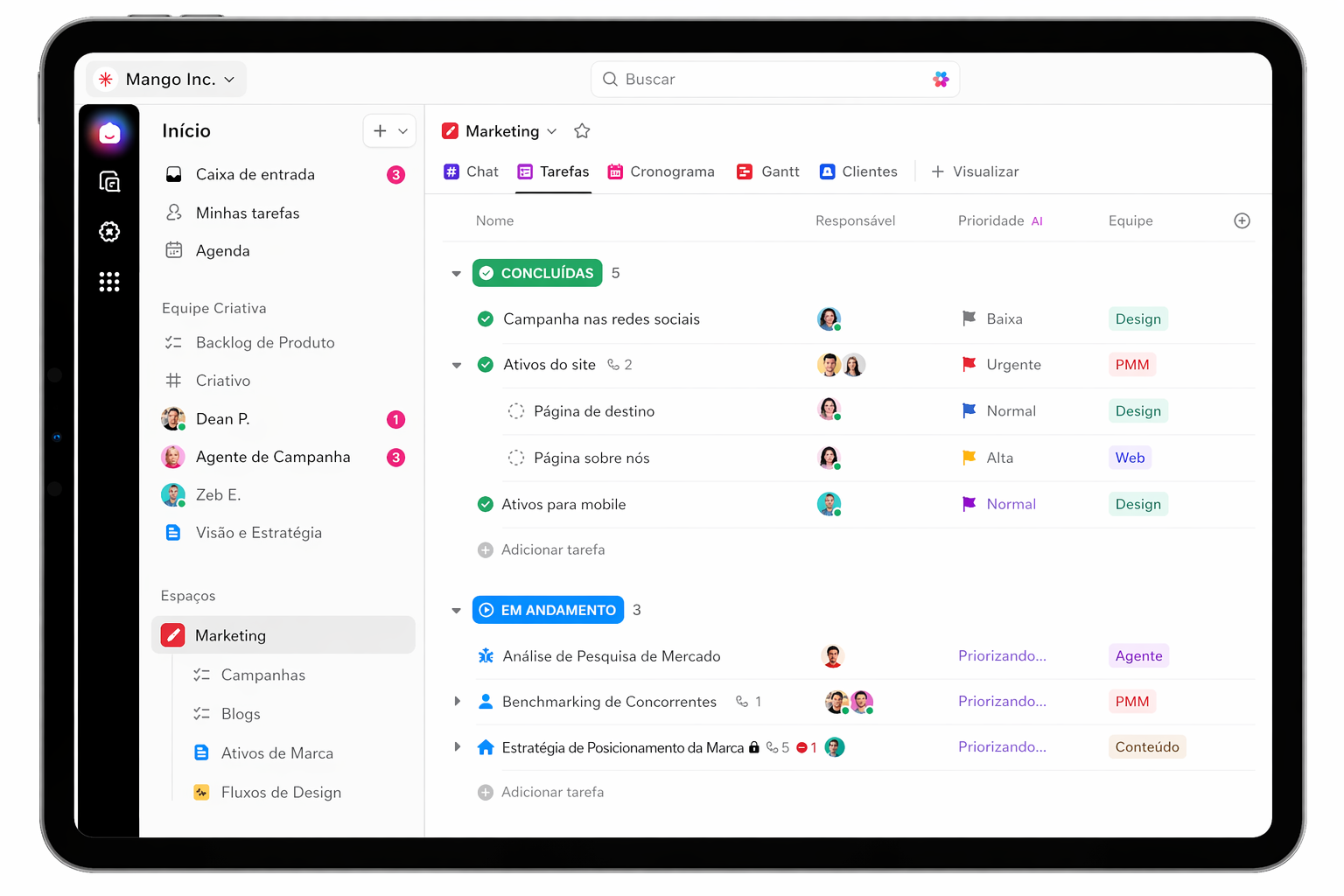
Organized data in ClickUp
Guided transition by TaskUP
Centralized projects
Safe migration
What usually blocks a migration?
Click each point to see how TaskUP manages a safe transition to ClickUp.
Downtime
Stopping the team during migration can cause delays, rework, and a direct impact on customers.
See solution
Learning Curve
A new tool with the same confusion. Without proper training, migration does not lead to real adoption.
See solution
Migration process in 4 stages
A clear plan to move your operation to ClickUp safely, with continuous validation and support at every stage.
Complete Inventory
We map everything in your current tool: projects, tasks, custom fields, automations, attachments, and integrations.
Migration Planning
We define what moves, what stays, the execution order, and validate the plan with your team.
Batch Execution
We migrate by team, department, or project, validating every stage while the current tool remains active.
Final Validation and Go-Live
We verify the migrated data, train the team, and activate ClickUp as the official operational platform.
A transition designed to deliver safety from start to go-live
From analyzing the current tool to final validation in ClickUp, we manage every stage to reduce risks, avoid downtime, and ensure smoother team adoption.
Data integrity
Projects, tasks, comments, attachments, assignees, and deadlines are validated at every stage of the migration.
Active operations
Migration happens in batches, keeping your current tool active until everything has been verified in ClickUp.
Structured process
Inventory, planning, batch execution, and a guided go-live for a clearer and more predictable transition.
Everything centralized
We migrate data from tools such as Jira, Monday, Asana, and Trello into an organized ClickUp operation.
Investment
Assisted migration to ClickUp with safety and validation
Starting at R$ 8,000 para migrações assistidas. Inclui backup triplo,
validação checksum, transferência de dados, templates configurados e treinamento da equipe.
R$ 8,000
assisted migration
- Triple data backup
- Checksum validation
- Project and task transfer
- Templates configured in ClickUp
- Team training
Questions before migrating?
See the most common answers about supported tools, history, operational continuity, and migration timeline.
Which tools do you migrate from?
Jira, Monday.com, Asana, Trello, Basecamp, Wrike, Microsoft Project, Smartsheet, and Excel or Google Sheets spreadsheets.
Can I keep the comment history?
Yes. We migrate comments, activities, change logs, and attachments, preserving original dates whenever possible.
Does the team need to stop working during migration?
No. We keep the current tool active throughout the process. The switch to ClickUp only happens after complete validation.
How long does a migration take?
Simple migrations take 1 to 2 days. Complex environments with many projects can take up to 2 weeks, including validation.
Explore more
Everything TaskUP does with ClickUp, in English.