

This week, ClickUp brings a complete overhaul to forms. We’ll highlight new ways to turn answers into results.
Smarter Forms
Experience more powerful forms with the new Forms Hub, information blocks, question descriptions, and a more intuitive form-building experience. Now you can create connected forms, centralize feedback, and drive analytics with AI.
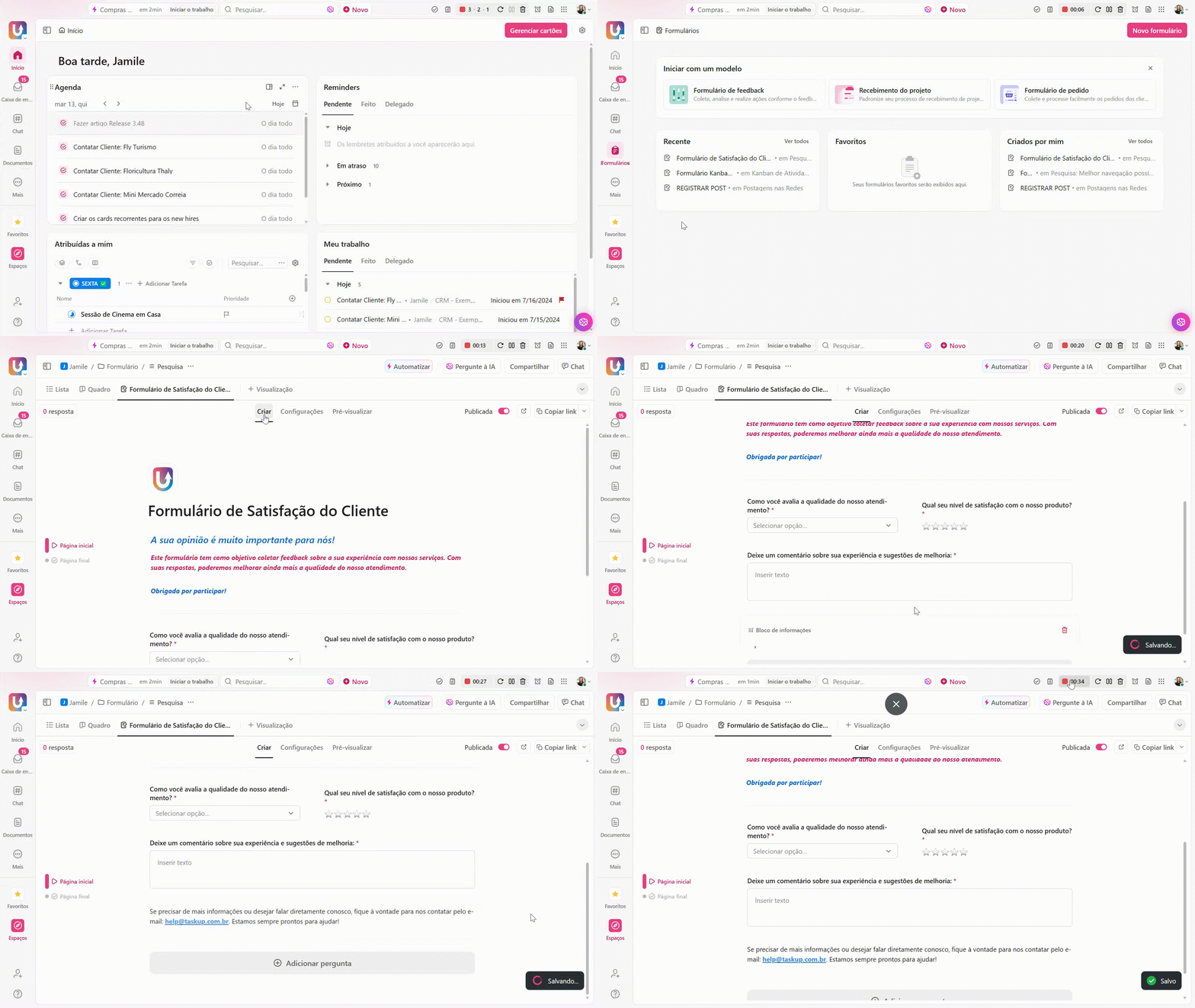
Informative Blocks and Question Descriptions
Add context, provide guidelines, or just give respondents a general warning. Now you can help users fill out forms by adding clear instructions, descriptive text, and visual elements.
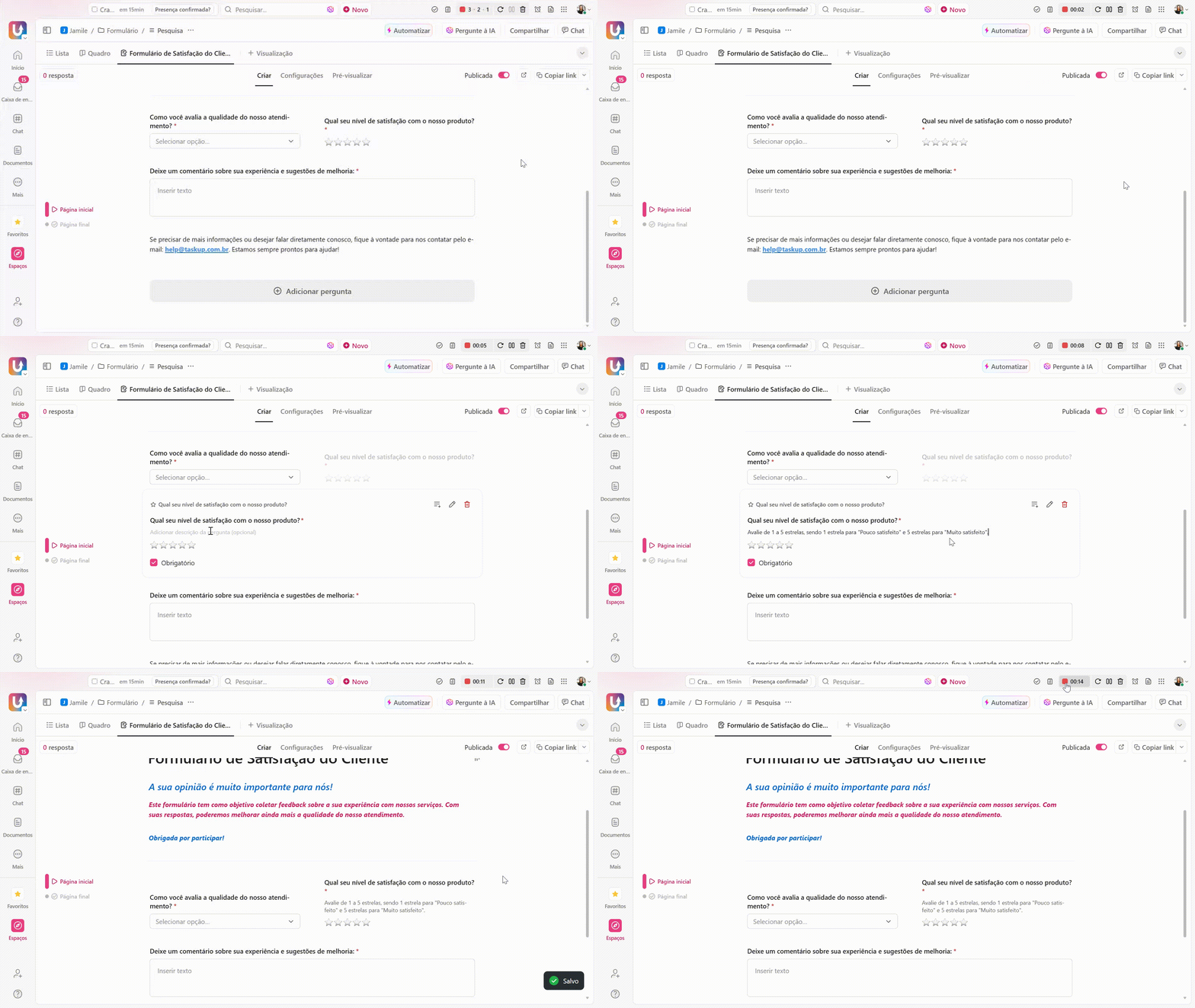
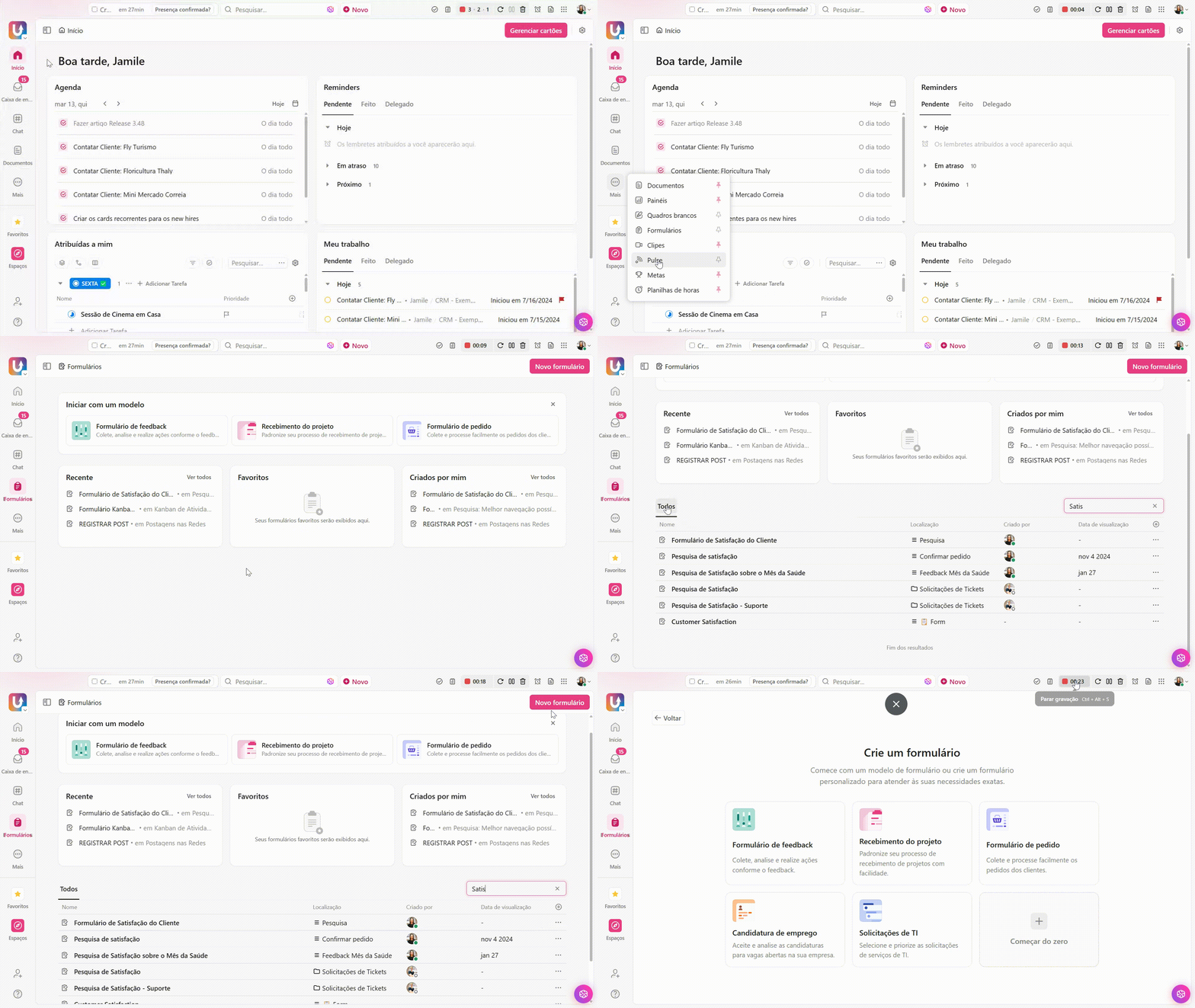
New Forms Hub
Access and manage all your forms directly in the new Forms Hub. Whether you’re looking for a bug report form or a campaign request a colleague submitted last week, it’s easier than ever to create, share, and view forms.
Form Customization
ClickUp forms are tailored to your work and your brand, with options to customize cover images, backgrounds, and even button colors. Forms represent your brand with each response.
Follow our social media and blog to stay up to date with more updates and tips on how to make the most of ClickUp. We’re always bringing you news and insights to help you optimize your workflow. See you there!
See you in the next ClickUp update!
Explore more
Everything TaskUP does with ClickUp, in English.