
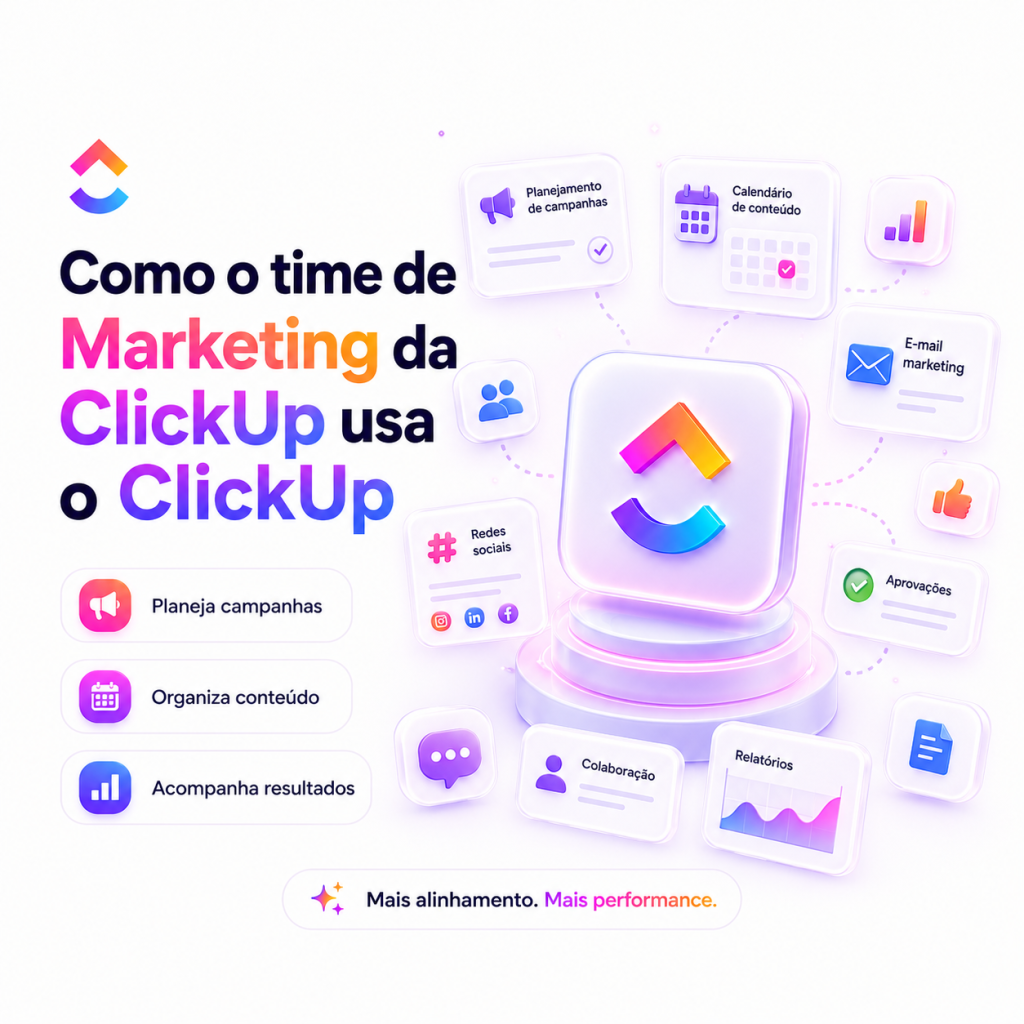
How marketing uses ClickUp to plan, track and automate campaigns is a common question among communication operations and project management professionals. Using ClickUp makes it easier to organize campaign activities into tasks, views and documents, allowing you to centrally map deliverables, deadlines and responsible parties.
By applying project management and automation concepts within the marketing space, teams can align content creation, approval, launch and measurement in visual flows and reports. Features like board views, Gantt charts, sprint management, docs, and AI tools support coordination between creative, traffic, and operational governance.
How marketing uses ClickUp to organize campaigns
Marketing teams structure campaigns by creating tasks for each step—from briefing to publishing—and grouping those tasks into lists or projects that represent campaigns, channels, or initiatives. Views like Board and Gantt help you visualize status and schedules; Roadmap & backlog and Portfolios serve for prioritization and global monitoring of the campaign portfolio.
A comparative table of useful resources for marketing and the role of each one helps you understand how to put together a coherent workflow:
| Resource | How it helps marketing |
|---|---|
| Tasks | Model deliverables, assign responsible parties and track progress in the campaign stages. |
| Board views | Allow Kanban visualization of the approval flow and content production. |
| Gantt charts | Map dependencies and deadlines to coordinate releases and features. |
| Docs and Wikis | Centralize team briefings, guidelines, assets and knowledge for consultation and collaboration. |
| Portfolios | Offer consolidated view of multiple campaigns and projects for governance and prioritization. |
Automation and AI: reduce repetitive work
Automation and AI capabilities make marketing processes more predictable and less prone to manual errors. The AI & Automation area allows you to create rules and routines that route tasks, update statuses, and notify teams when specific conditions are met. The Ask AI function and automation tools support initial content generation, text formatting and suggestions within the workflow.
To turn these capabilities into practice, here are recommended steps for setting up automations and using AI in the campaign flow:
- Map the repetitive tasks in the campaign flow that require less human judgment.
- Configure automations to move tasks between phases, update assignees and send approval alerts.
- Consolidate templates for briefs, schedules and checklists, reducing rework in campaign preparation.
- Use AI resources to draft titles, descriptions and initial content variations, with human review later.
- Monitor and adjust automation rules based on operational performance and governance needs.
Flows, views, and operational governance
Operational governance in marketing it involves standardizing processes, controlling access and maintaining a knowledge repository. Knowledge Management resources, Docs and Wikis support internal policies, approval procedures and asset storage. Sprint reports and Roadmap & backlog help align tactical planning and strategic goals, ensuring that campaigns fit into the organization’s larger schedule.
Some practices for establishing clear governance and flows without increasing bureaucracy:
- Define a standard project/campaign model with essential checkpoints (briefing, production, review, approval, publication).
- Establish visible roles and responsibilities in each task to avoid overlapping.
- Use different views (board, list, Gantt) as needed: operational view, delivery view and strategic view.
- Concentrate documentation and assets in Docs/Wikis to reduce loss information and facilitate onboarding.
- Periodically review automations and reports to maintain alignment between execution and governance.
In addition, universal search is useful for quickly locating briefs, documents and tasks related to a campaign, speeding up decision-making and ensuring that delivery history is accessible.
Implementing these elements creates a more predictable work ecosystem: campaigns with clear steps, automations that reduce repetitive tasks, and a knowledge repository that supports governance and scalability of operations marketing.
Explore more
Everything TaskUP does with ClickUp, in English.