
TaskUP media on YouTube
Videos to learn ClickUp, AI and operation in practice
A portal with classes, demonstrations and long videos for those who want to structure ClickUp with a method, reduce rework and evolve their management company.
Long videos horizontalAI and automationsShorts separate


Shorts and quick cuts
Watch Shorts on YouTubeVertical shorts from the TaskUP channel
Only videos in Short format are included here: quick, vertical and objective content to get an idea in a few seconds.
 ▶ShortTips for ClickUp beginnersFirst steps to get started with more clarity.
 ▶ShortSLA system in ClickUpDeadlines, queues and monitoring in a few minutes.
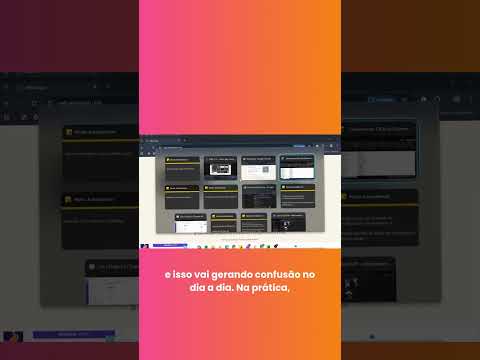 ▶ShortManagement tool with ClickUpThe basics for understanding centralized management.
 ▶ShortHow to copy a template in ClickUpReuse templates and speed up creation.
 ▶ShortSpaces, folders and listsOrganize the workspace structure.
 ▶Short05 reasons to use ClickUpQuick reasons to adopt ClickUp.
 ▶ShortClickUp 360 TrainingQuick cut on complete training.
 ▶ShortRework in ClickUp’s FPNAHow to see and reduce rework.
 ▶ShortClickUp TrainingTraining to better use the tool.
 ▶ShortClickUp ProjectsHow to think about projects within ClickUp.
 ▶ShortClickUp LicensesQuick points about licenses and plans.
 ▶ShortGIMC – TaskUPTaskUP quick content.▶ShortTips for ClickUp beginnersFirst steps to get started with more clarity.▶ShortSLA system in ClickUpDeadlines, queues and monitoring in a few minutes.▶ShortManagement tool with ClickUpThe basics for understanding centralized management.▶ShortHow to copy a template in ClickUpReuse templates and speed up creation.▶ShortSpaces, folders and listsOrganize the workspace structure.▶Short05 reasons to use ClickUpQuick reasons to adopt ClickUp.▶ShortClickUp 360 TrainingQuick cut on complete training.▶ShortRework in ClickUp’s FPNAHow to see and reduce rework.▶ShortClickUp TrainingTraining to better use the tool.▶ShortClickUp ProjectsHow to think about projects within ClickUp.▶ShortClickUp LicensesQuick points about licenses and plans.▶ShortGIMC – TaskUPTaskUP quick content.
Want to turn this content into a plan for your company?
TaskUP helps your team implement, organize and evolve ClickUp with processes, automations, AI and governance.
Explore more
Everything TaskUP does with ClickUp, in English.