
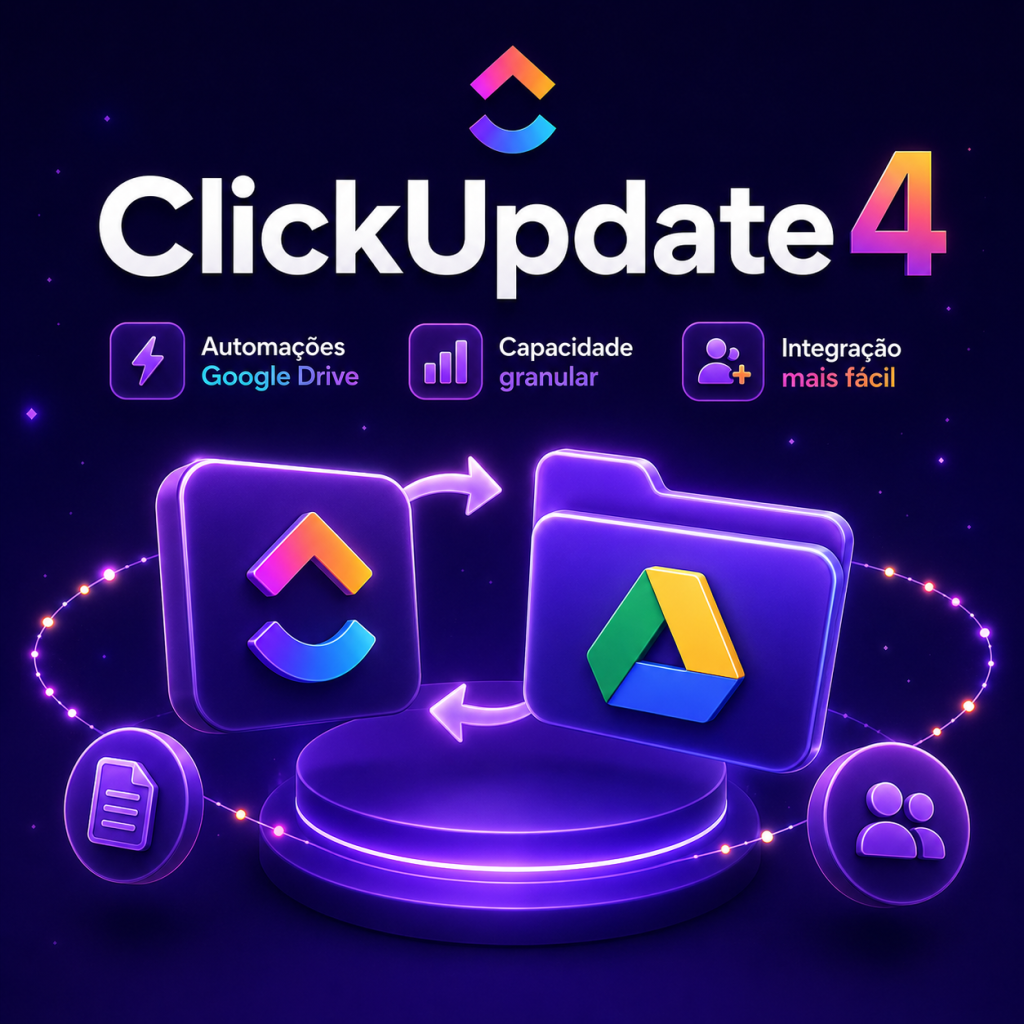
ClickUp + automations Google Drive introduces automatic ways to create folders and documents when tasks arise, in addition to alerting teams in ClickUp itself when new files arrive in Drive. This feature allows you, for example, to automatically create a shared project folder and notify reviewers as soon as the latest files are available.
In addition to automations with Google Drive, the update also improves the work capacity view with an extra layer of grouping in the workload view and makes workspace preparation easier by allowing guest users to be assigned to teams before accepting the invitation. The changes together aim to speed up workflows, improve capacity visibility and reduce time for new members to achieve productivity.
ClickUp automations Google Drive: how automations work
Automations between ClickUp and Google Drive can be configured to perform reactive or proactive actions linked to tasks. Among the possibilities described are the automatic creation of folders and documents when tasks are created and the sending of alerts in ClickUp when new files are added to Drive. An illustrative use is to automatically generate a shared project folder when starting a key task and immediately notify responsible reviewers as materials are uploaded.
These automations simplify the file organization step and reduce the manual work of provisioning shared areas, keeping communication with assignees integrated into the task flow.
| Feature | What it does | Usage example |
|---|---|---|
| Google Drive Automations | Creates folders and documents when creating tasks; alerts in ClickUp when files are added | Generate project folder and notify reviewers when files are received |
| Granular capacity in workload view | Allows you to add a second layer of grouping to divide capacity by team/project/department and by responsible | Identify which responsible parties are overloaded within each team |
| Assign guest users to teams before login | Allows you to add guests to Teams while the invitation is pending, granting access and permissions upon acceptance | Prepare spaces and permissions for new members before first access |
Granular capacity in workload view
Workload view has an additional layer of grouping, allowing you to divide capacity first by organizational level (team, project, or department) and then by assignee. This arrangement provides a more detailed mapping of who is staffed and where there is space to allocate additional work.
With this breakdown, managers and operations can make faster decisions when prioritizing and distributing tasks, as the view reveals both the distribution by work units and the individual impact within each unit.
Assign guests to teams before first access: what changes
You can now add guest users to Teams while the invite is still pending. This means that, upon accepting the invitation, these guests will immediately have the correct permissions and access to the workspace, including exposure to the Spaces and resources that the team routinely uses.
This flow reduces the time between accepting the invitation and the new member’s effective integration into the work environment, ensuring that, when logging in for the first time, the user will find the relevant resources and areas already configured.
- Prepare folder structures and shared documents before work begins to avoid delays in delivering materials.
- Standardize folder naming and reviewer responsibilities so automations create a consistent environment.
- Use the second layer of grouping in the workload to identify specific overhead points per team and per assignee.
- Assign guests to teams with the correct permissions before access so they see relevant Spaces and resources immediately.
- Automatically notify reviewers whenever critical files are added to Drive to speed review cycles.
These practices help you leverage new automations and visibility adjustments without increasing operational complexity, focusing on replicability and clarity of responsibilities.
The updates outlined balance content automation (via Google Drive integration), greater operational visibility (with the extra layer in workload view), and smoother onboarding processes (with guest assignment before login). Together, the changes allow you to organize files, monitor capacity and prepare new members with less manual work and more predictability.
Explore more
Everything TaskUP does with ClickUp, in English.