

This week, ClickUp brings a series of powerful updates to further improve your experience and efficiency with the platform. Let’s check out what’s new?
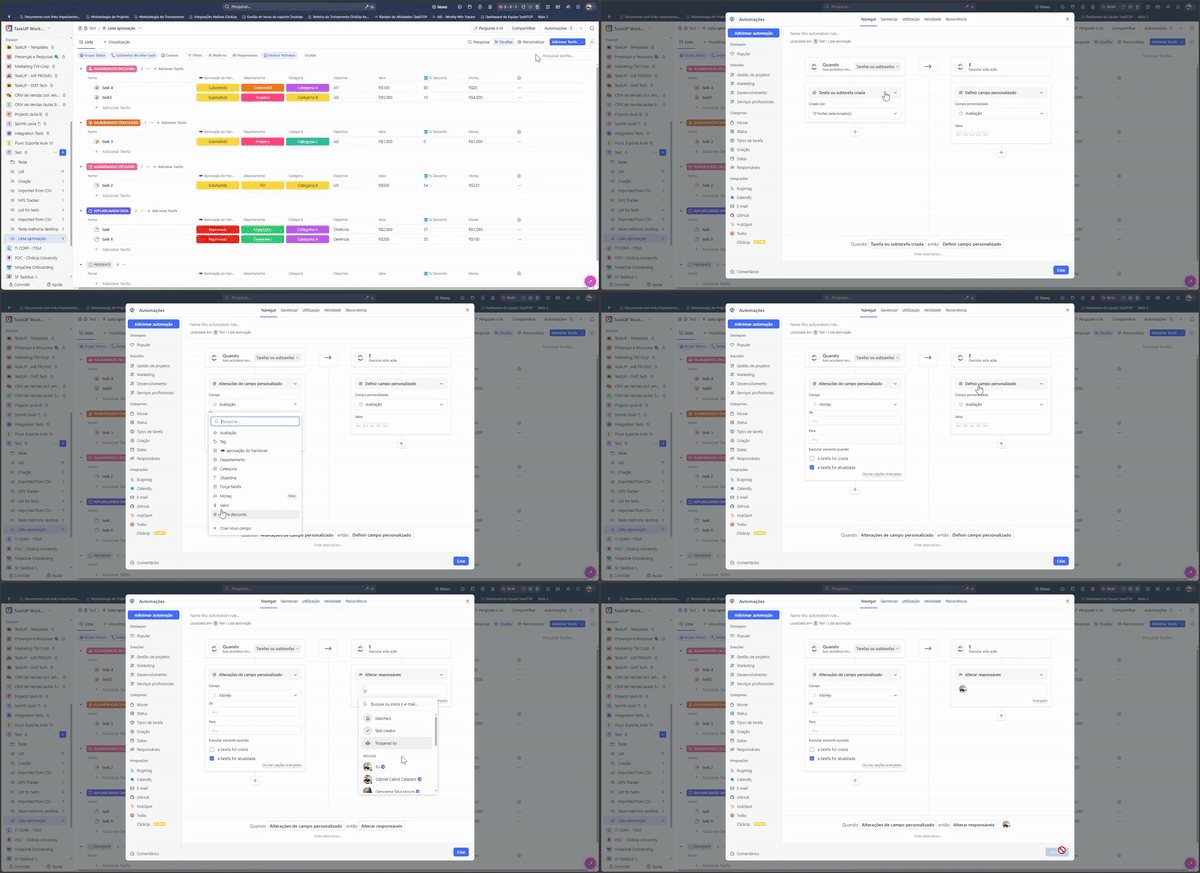
Formulas and Automations: Elevate your Workflows
Now, it is possible to create robust automations using custom formula fields as triggers and conditions. This new feature significantly increases the flexibility and efficiency of your workflows, allowing you to automate complex processes with ease.
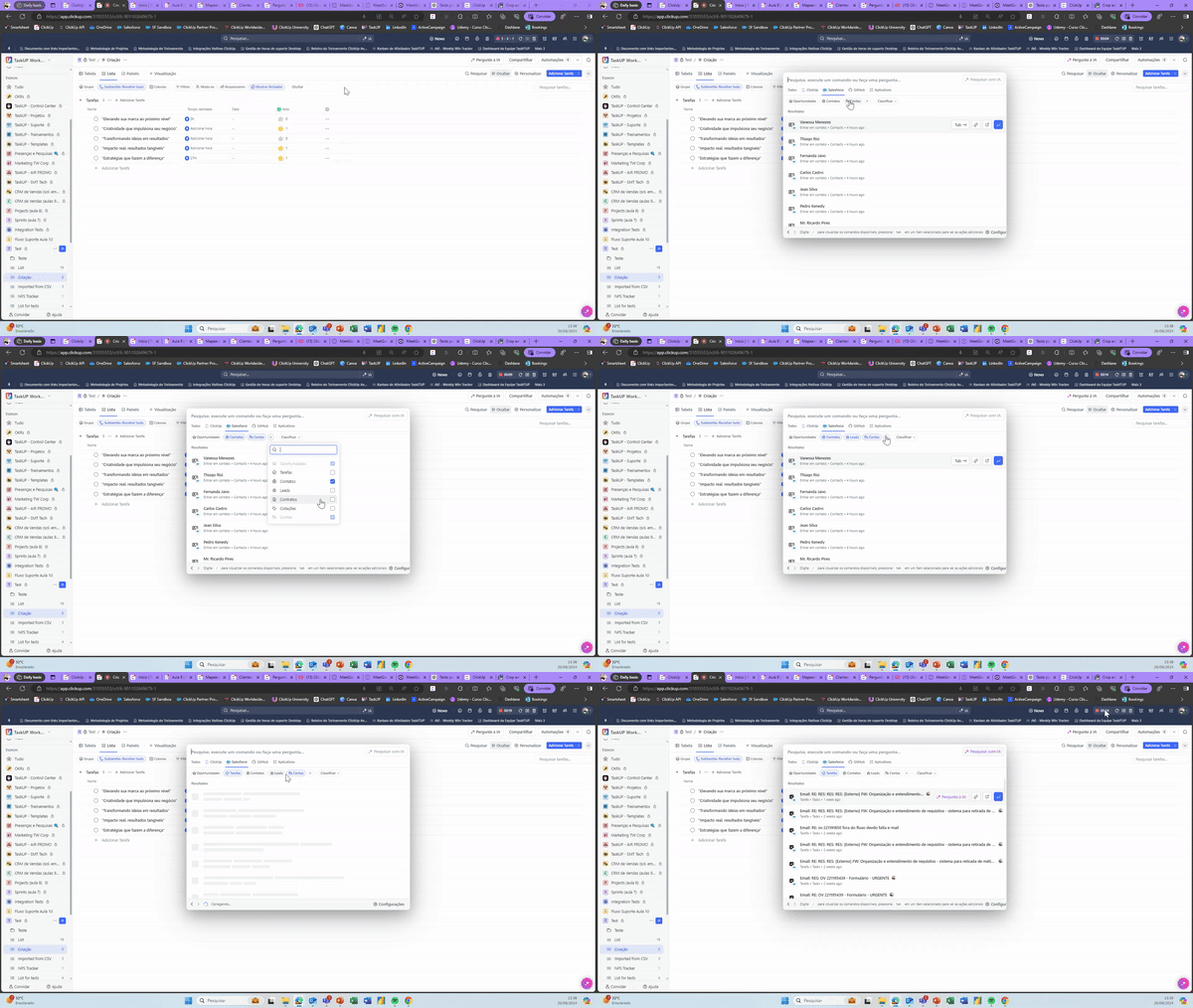
Salesforce Integrated Search: Find what you need, where you need it
ClickUp introduces the new Salesforce Connected Search. Now you can find Salesforce items like opportunities, contacts, leads, accounts, quotes, contracts, and tasks directly in ClickUp. Additionally, you can pin your most searched Salesforce item as a filter for quick access.
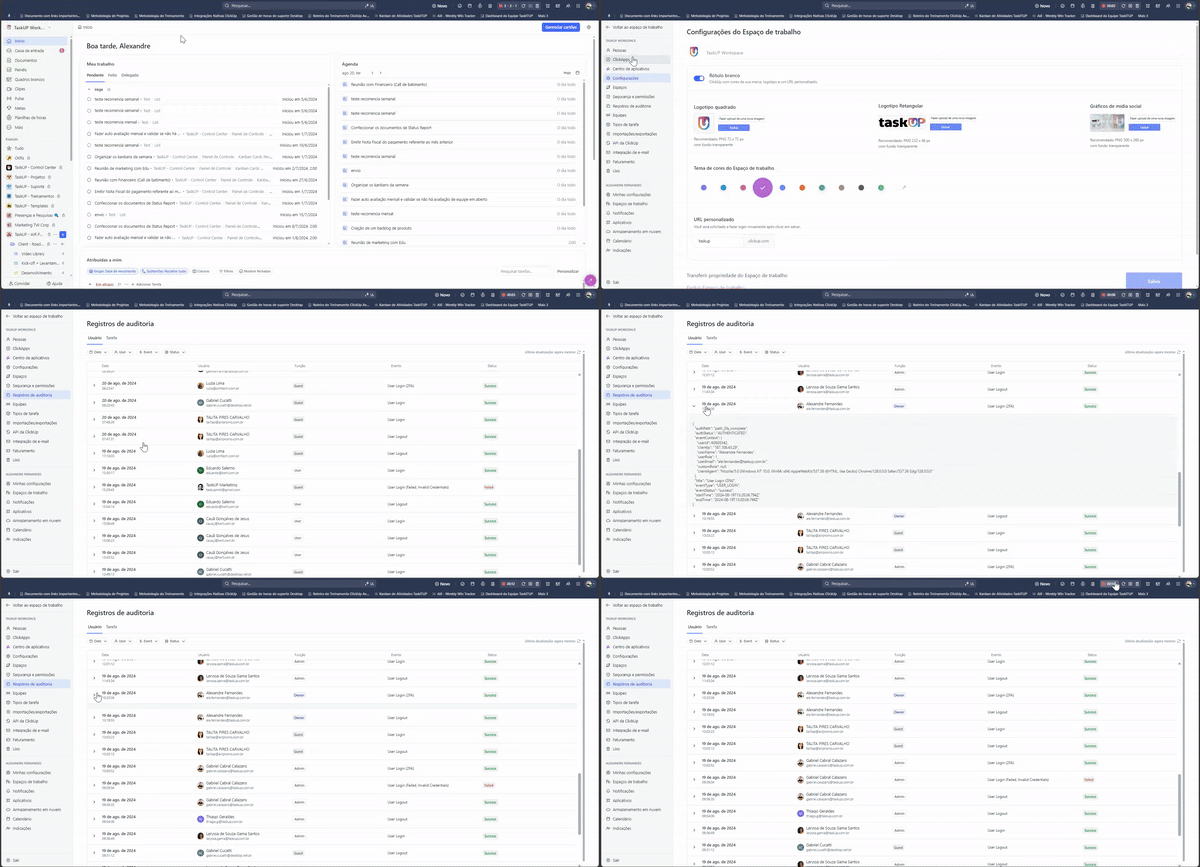
Audit Logs: Greater control and transparency for Enterprise users
For Enterprise users, workspace owners and admins can now view detailed logs of user authentication and task activity. Track successful and failed login attempts, task activity events, and more. Additionally, you can access these logs via API and control who is allowed to view this data through custom permissions.
These are the ClickUp updates for this week. Stay tuned for more news and continue making the most of all the features that ClickUp has to offer.
See you next time!
Explore more
Everything TaskUP does with ClickUp, in English.