
Introduction
ClickUp for HR solves a very common problem: scattered tasks, approvals that get lost in email and hiring stages without a defined owner. When the team can see the entire process in one place, recruitment, onboarding and internal routines stop depending on memory and start following a flow.
The usefulness of ClickUp for HR is precisely there: transforming recurring activities into visible, followable and easy-to-adjust routines. Instead of loose spreadsheets and disconnected messages, the team gains organization, traceability and a safer way of working with people, deadlines and documents.
What ClickUp delivers to the HR routine
For human resources, the value is not just in listing tasks. ClickUp helps you design complete processes, with steps, responsible parties, dates, statuses and checkpoints. This makes a difference in recruitment, admission, integration of new employees, vacations, evaluations and internal communications.
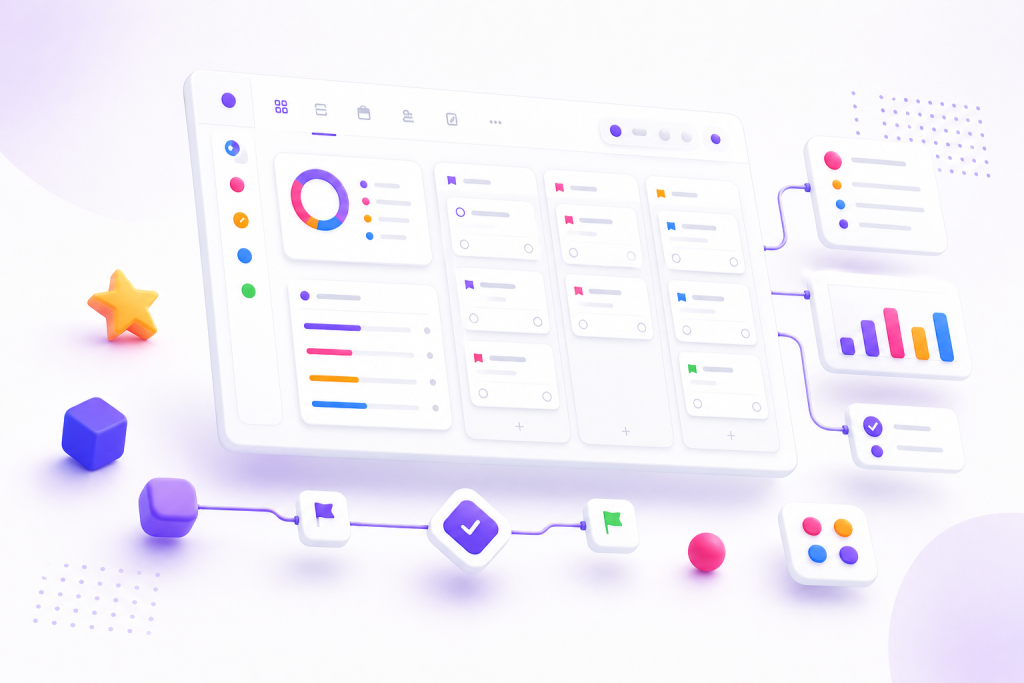
In practice, the team is able to create a structure similar to an operational dashboard. Each vacancy can become a flow with clear phases, each new employee can have an entry checklist and each monthly routine can follow a reusable model. The result is less improvisation and more predictability.
How to organize recruitment without missing steps
Recruitment tends to suffer when many people participate in the process and there is not always visibility into what stage each candidate is at. With ClickUp, you can create a pipeline with columns such as screening, interview, test, opinion and proposal. This reduces noise between HR and leadership.
Another important gain is to standardize the assessment. Instead of each manager using an informal criteria, the team can include personalized fields with technical note, cultural adherence, availability and observations. This way, the decision is more comparable and the history is not lost when someone goes on vacation or changes roles.
Onboarding with less anxiety and more consistency
Onboarding is one of the points where ClickUp for HR appears most strongly. The arrival of a new person involves a contract, access, team presentation, integration with tools, training and alignment with goals. Without organization, some steps tend to slip through the cracks.
With task templates and repeatable lists, HR can create a more predictable welcome journey. This provides security to the new employee and reduces internal rework. It also facilitates partnerships with IT, finance and leadership, because each area sees what it needs to deliver and by when.
Internal routines that can become more fluid
The same logic applies to HR routines that are repeated throughout the year. Benefits requests, feedback control, registration updates, internal campaigns, seniority anniversaries and evaluation cycles can be organized into simple flows.
When everything is centralized, HR gains execution time and improves the quality of monitoring. This is especially useful in small teams, where one person works on several fronts at the same time, and also in larger teams, where standardization prevents loss of information.
Integrations and tools that strengthen use
ClickUp becomes more useful when it interacts with other tools in the company’s ecosystem. Integrations with email, calendars, forms, cloud storage and automations help reduce manual tasks and keep the flow moving without so much human intervention.
For HR, this means receiving applications via form, triggering steps automatically, recording interview reminders and storing documents in a more accessible space. The less the team relies on copying and pasting data between platforms, the less chance of operational error.
Key points
- ClickUp for HR helps transform loose processes into clear, repeatable flows.
- Recruitment is easier to track when each step has a status, responsibility and deadline.
- Onboarding improves when there is a checklist, integration with other areas and reusable models.
- Internal routines gain consistency with automation and centralization of information.
- Integrations increase the value of the platform and reduce manual work.
How to put it into practice
- Map three HR processes that generate the most rework today.
- Create a simple recruitment flow with defined steps and responsible parties.
- Set up an onboarding model with mandatory tasks by area.
- Add custom fields to record important candidate and employee data.
- Test basic automations for reminders, status updates, and new requests.
- Review flows each month to cut unnecessary steps and adjust bottlenecks.
Comparison of uses of ClickUp for HR
| Process | How to organize in ClickUp | Key benefit |
|---|---|---|
| Recruitment | Pipeline in stages with responsible parties and evaluation fields | More visibility into each candidate |
| Onboarding | Checklist with tasks by area and defined deadlines | More organized and welcoming entrance |
| Internal routines | Recurring lists and automations | Less forgetting and less rework |
| Evaluations and feedback | Cycle calendar and monitoring forms | Centralized and easy-to-consult history |
| Communication with other areas | Shared boards and automatic notifications | Less noise between HR, management and operations |
Conclusion
ClickUp for HR makes more sense when the team stops using the tool as a simple list of tasks and starts seeing it as the basis of the process. It is this change that improves the routine, reduces dependence on loose messages and gives more control over what happens with each vacancy, each person and each internal demand.
If the HR operation already feels heavy due to multiple channels, conflicting deadlines and missing steps, it is worth starting with the most repetitive flows. Small, well-assembled structures usually bring quick gains. After that, the platform becomes a real ally in keeping work consistent without bogging down the team.
Next step
If your company’s HR still depends on loose spreadsheets and scattered messages, it’s worth testing a clearer structure on ClickUp. Start with a process, adjust the flow and see the impact on the team’s routine.
Frequently asked questions
Is ClickUp for HR suitable for small companies?
Yes. In small teams, it helps to create organization without relying on improvised controls. The gains appear quickly in recurring processes such as recruitment and onboarding.
Which HR processes are most worthwhile in ClickUp?
Recruitment, onboarding, performance evaluation, internal requests, communication with other areas and monitoring routines usually bring a good return.
It is possible to automate tasks in HR with ClickUp?
Yes. You can create automations for status changes, reminders, assigning people responsible and triggering recurring tasks, which reduces manual work.
Does ClickUp replace other HR tools?
It depends on the operation. In many cases, it organizes processes and centralizes monitoring, but does not replace specific payroll, point or legal management systems.
How to start without overcomplicating things?
The best way is to choose one process at a time, create a simple flow, test it with the team and only then expand it to other routines.
Explore more
Everything TaskUP does with ClickUp, in English.