
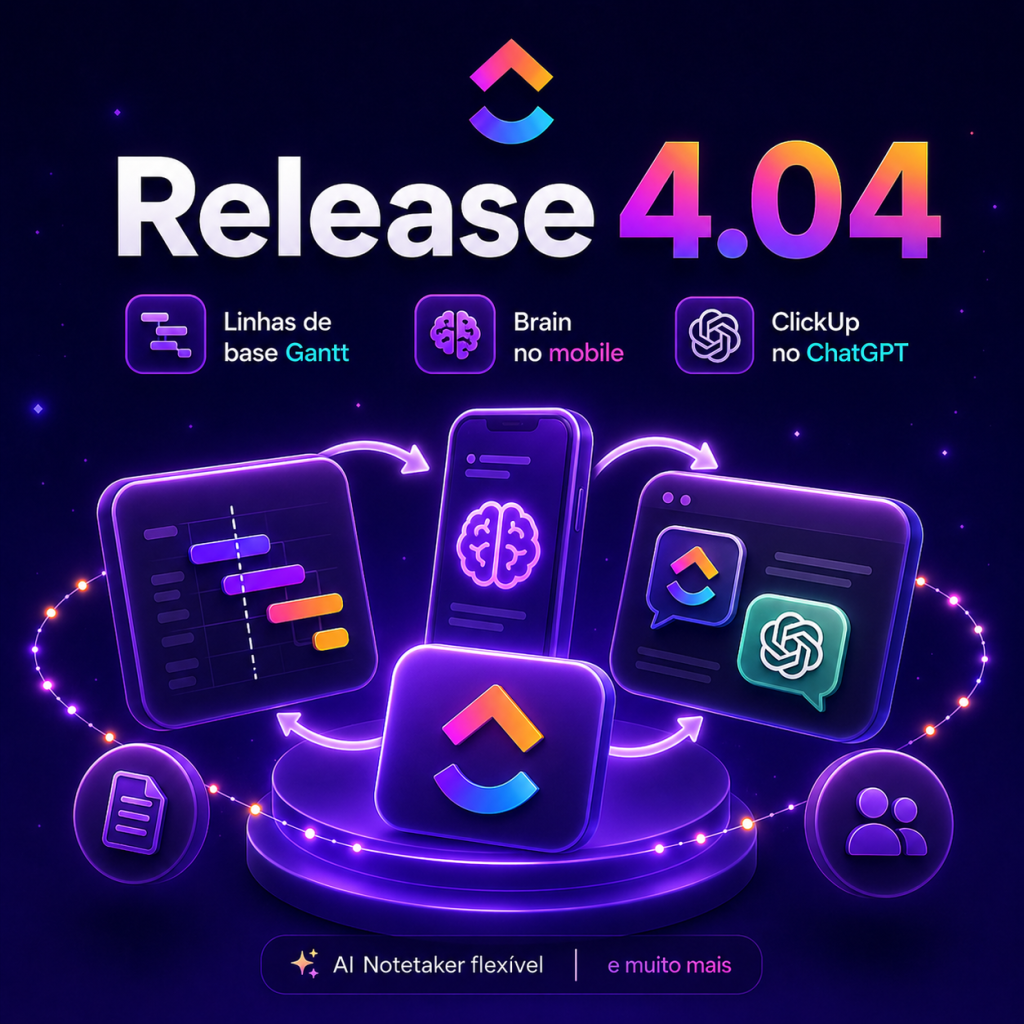
ClickUp on ChatGPT appears as one of the new features highlighted in the 4.04 Release Notes, along with Gantt baselines, Brain on mobile and improvements in AI Notetaker and Superagents. This update expands ways to access live ClickUp data within conversations and brings features to compare plans with reality and capture meetings the way each team needs.
The changes presented aim to reduce operational friction: baselines allow you to compare frozen schedules with the live Gantt; Brain becomes fully functional on iOS and Android with dictation and synchronization; AI Notetaker offers granularity in preserving the recording, transcription or just the summary; and integrations in ChatGPT and Cursor make it possible to query, summarize and update ClickUp information through natural language.
ClickUp on ChatGPT: integration, capabilities and limits
ClickUp on ChatGPT can be installed from the ChatGPT App Store with one-click setup, making tasks, updates and priorities available directly in the conversation. With this integration, you can ask ChatGPT for suggestions on what to work on next, request project briefs or team update instructions, all based on live data from ClickUp.
Some practical ways to explore this integration include:
- Request a prioritized view of tasks based on current status and priorities.
- Request a project summary to share in an alignment meeting.
- Use conversation to generate quick updates that can be converted into actions in ClickUp.
- Consult priorities to decide next steps when there are questions about the team’s focus.
- Integrate talk to your daily workflow to turn insights into tasks without leaving the chat.
Gantt baselines: compare plan and execution
Gantt baselines are used to “freeze” a schedule at a specific point in time and overlay it on the live Gantt, helping you identify which tasks were late, which arrived sooner than expected, and for how long. The feature is added via the Customize menu in any Gantt view and is available on Business plans and higher.
The table below summarizes the main features and where to activate them, to make it easier to understand the changes brought by version 4.04.
| Feature | What it does | Where to activate / Availability |
|---|---|---|
| Gantt baselines | Freezes the timeline in a moment and overlays it on the live Gantt to analyze deviations | Customize Menu in Gantt — available on Business plans and higher |
| Brain Goes Mobile | Brain floating button in the mobile app for questions, tasks and follow-up; built-in dictation | iOS and Android — syncs with desktop |
| AI Notetaker: retention options | Allows you to save the recording, transcript or just the summary of meetings | Calendar settings → AI Notetaker |
| ClickUp in ChatGPT | Allows access to tasks, updates and priorities within ChatGPT conversations | Install from the ChatGPT App Store — available for all plans |
| Superagents and Brain (enhancements) | Manage end-to-end reminders, operate on set schedules with guardrails, and can be updated via comments/DMs/mentions | Features integrated into the agent system — access controls for managers |
| ClickUp on Cursor | Allows you to search for tasks, documents and comments, as well as create or update jobs via natural language. data-taskup-key=”35″>Mobile Brain, AI Notetaker, Superagents and Cursor: how to use it in everyday life | Installation via Cursor with OAuth — available on all plans |
Mobile Brain, AI Notetaker, Superagents and Cursor: how to use them in everyday life
Other new features provide operational flexibility and better ways to capture context. Brain on mobile makes it possible to start or continue desktop conversations on your cell phone, using dictation when typing is not practical. AI Notetaker gives you choice over what to keep from a meeting—recording, transcript, or just the summary—enabling retention policies more aligned with the purpose of the meeting.
To leverage these updates efficiently, consider the following best practices:
- Activate baselines before important milestones to have a clear point of comparison in design reviews.
- Use Brain mobile for quick queries while in the field or on the go, leveraging dictation for quick entries.
- Configure AI Notetaker settings according to the type of meeting: recording for formal minutes, summary only for quick checkpoints.
- Delegate agent management access to those responsible for operation, so new managers receive automatic summaries of what the agent does.
- Connect ClickUp to the Cursor to reduce context switching when writing documents or updating tasks directly while working on texts.
More information and support materials can be found at https://taskup.com.br/ for teams that want to guide the internal adoption of these features.
These updates to version 4.04 expand visibility, capture and automation options within the ClickUp ecosystem: from comparing plans and reality with Gantt baselines to interacting with live data via ChatGPT and Cursor, to more flexible meeting capture and more autonomous, easier-to-manage agents. Implementing each feature according to the team’s maturity allows you to extract value without overloading existing processes.
Explore more
Everything TaskUP does with ClickUp, in English.