

This week, ClickUp introduces a series of improvements and new features that will further improve your experience. Let’s check out what’s new?
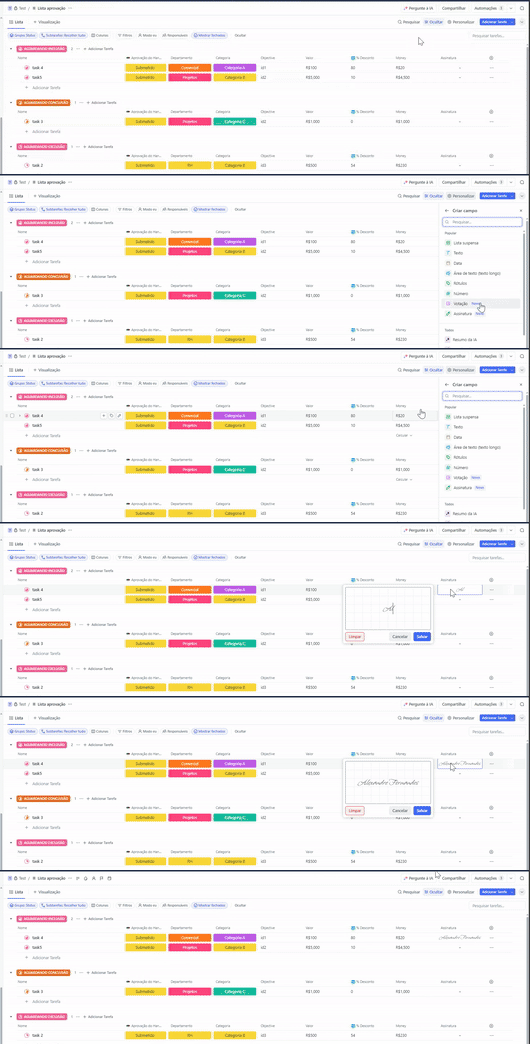
Subscription Fields: Leave Your Mark
ClickUp introduces the new type of custom signature field! Now you can create custom signature fields to acknowledge receipts, confirm deliveries, record attendance or enrich forms. Additionally, these signature fields can be used as triggers or conditions for automations.
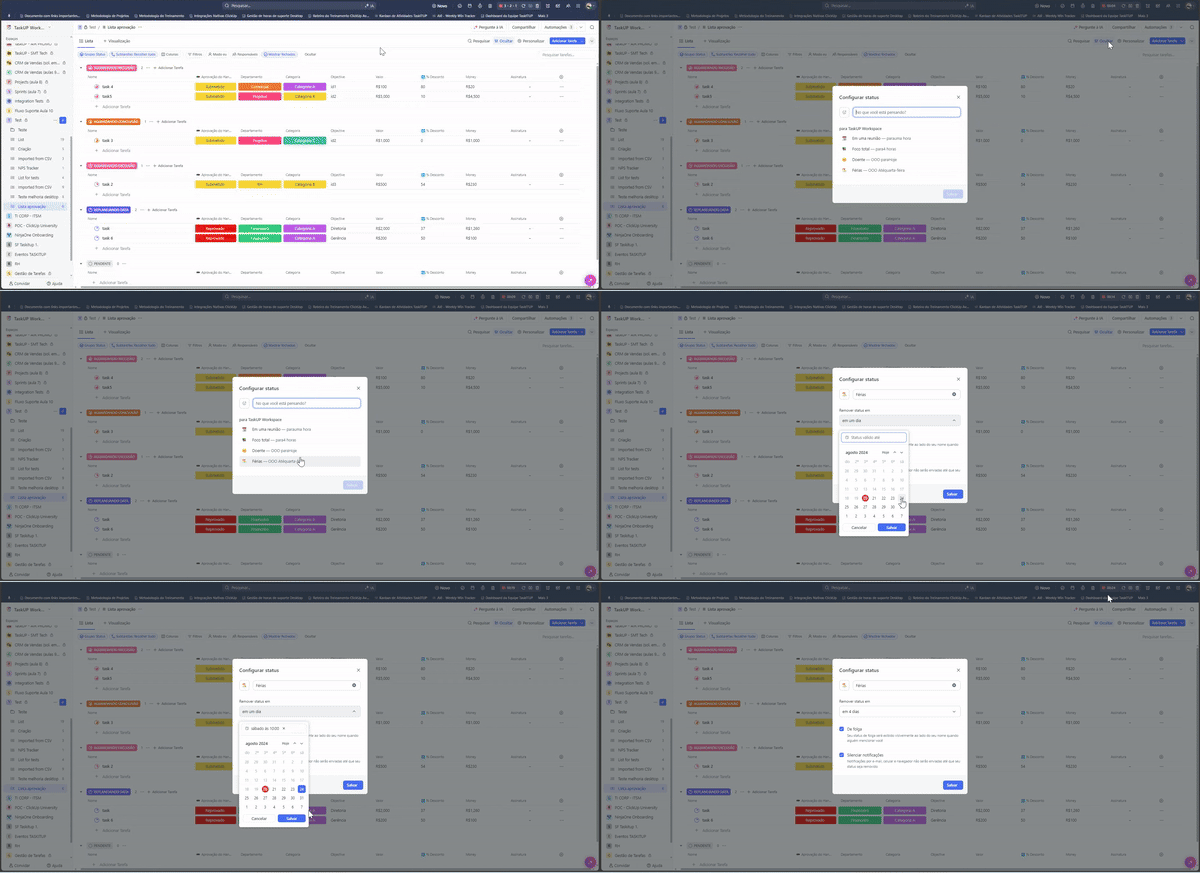
User Status: Enter Your Availability
Now, you can set your user status. Are you out of the office? Having lunch? Or just need a few hours of focus? Keep your team in the loop by setting status and muting notifications.
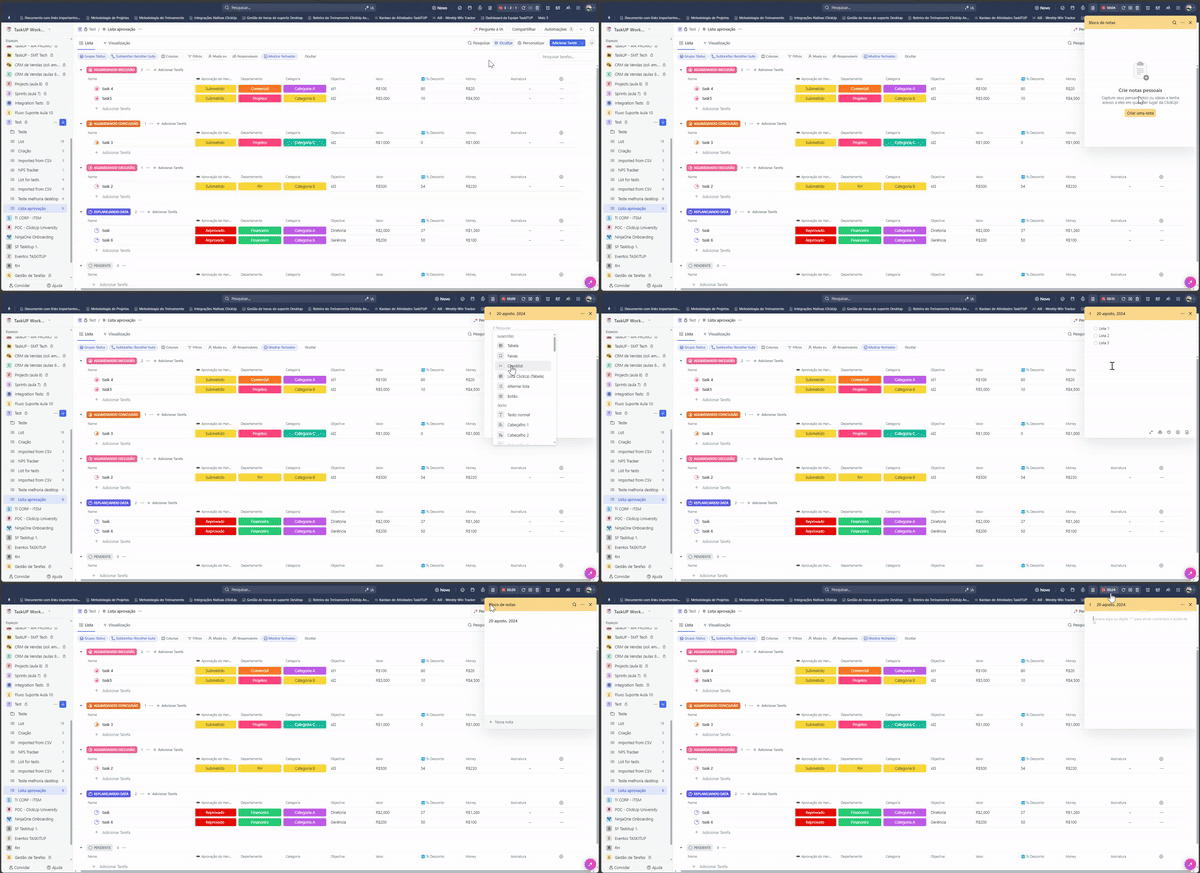
Redesigned Notepad: Jot Down Your Ideas More Easily
Check out the completely redesigned notepad, now with an updated design to improve daily note-taking and optimize the use of ClickUp. Create a note and start typing instantly to capture your thoughts quickly and efficiently.
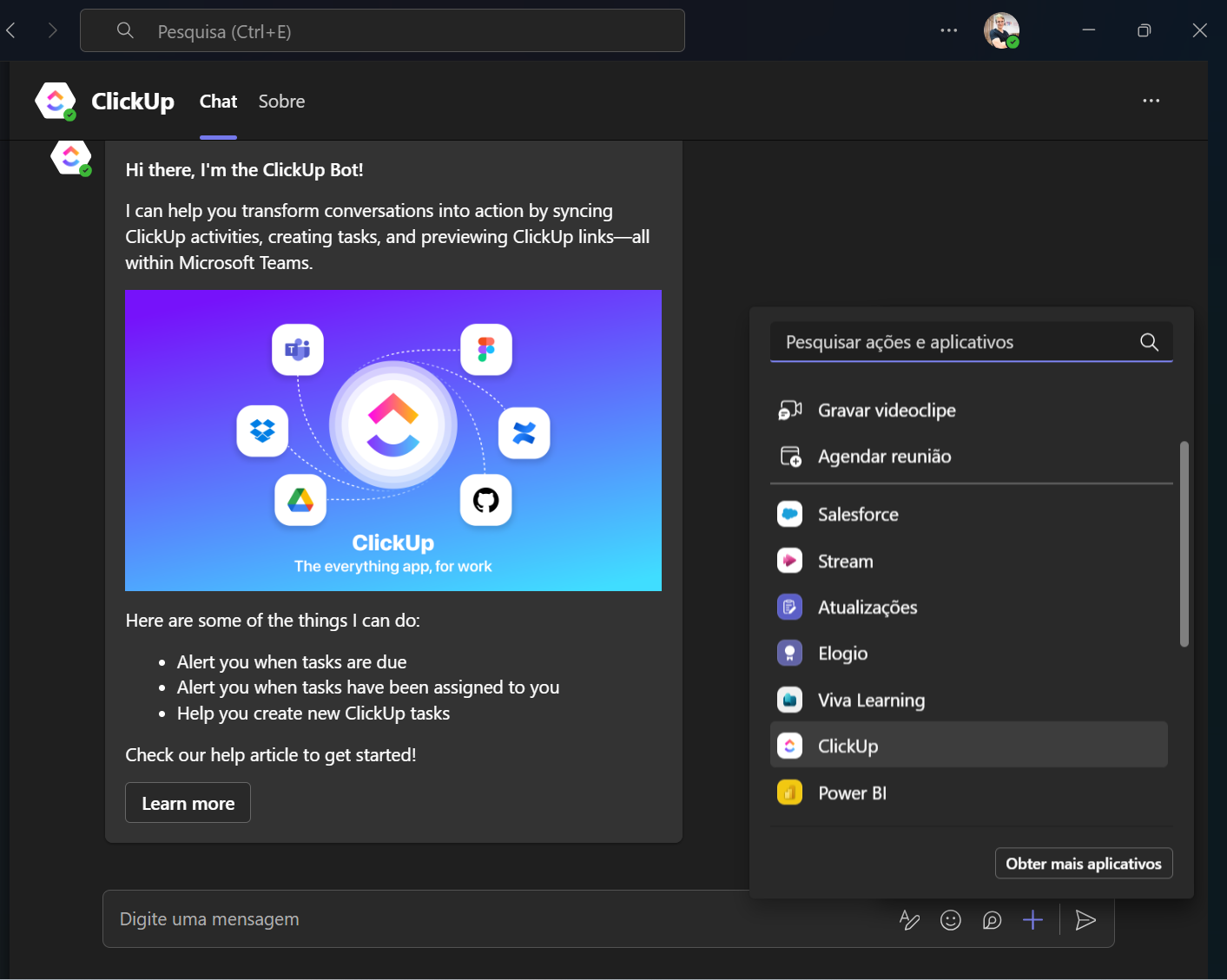
Microsoft Teams Integration: More Integrated Tasks and Comments
Microsoft Teams integration has been revamped to provide an even better experience for creating and editing tasks in ClickUp. Additionally, you can now preview ClickUp tasks, documents, and comments directly in Teams, allowing you to dive into the details immediately.
Comment Editing on Mobile: Enhanced Collaboration
The comment editing experience on mobile has been improved, allowing user, task, and document mentions, as well as media upload and text formatting advanced. Also enjoy optimized full-screen mode and a unified commenting experience across tasks and documents.
These are the ClickUp updates for this week. Keep following to stay informed about all the news and improvements that ClickUp has to offer.
See you next time!
Explore more
Everything TaskUP does with ClickUp, in English.