
Introduction
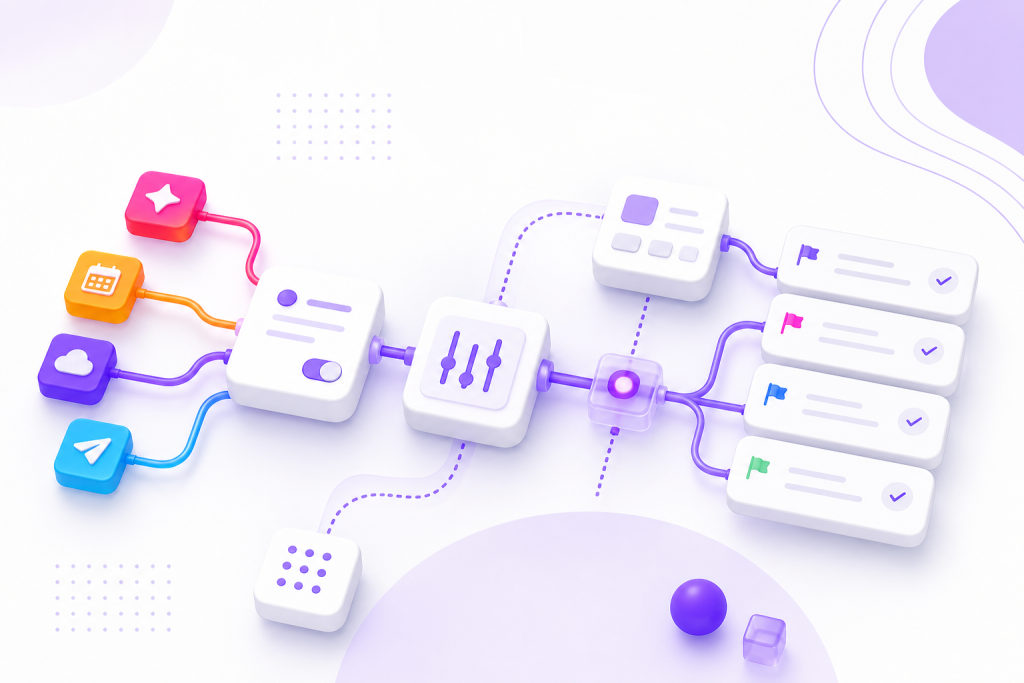
Integrations with ClickUp make a difference when your routine starts to choke with repeated tasks, scattered information and little visibility into what is really going on. Instead of using the app just as a to-do list, it’s worth connecting ClickUp to the tools that are already part of your day and transforming manual effort into automatic flow.
This significantly changes operations in marketing, sales, service, product, finance and project teams. A form can become a task, a message can become a ticket, an email can generate follow-up and a status can update another platform without human intervention. The gain is not just speed; it’s less noise, less forgetfulness and more predictability in work.
What ClickUp solves when it gets into the right routines
ClickUp works best when it stops being just a task board and becomes the center of the operation. It organizes priorities, responsible parties, deadlines, documents, comments and automations in one place. When connected to other tools, it starts receiving data, distributing demands and returning context to the team without rework.
In practice, this is useful because almost every team lives on multiple systems at the same time. The lead arrives via a form, the conversation takes place in chat, approval goes to email and the final follow-up needs to appear on the project panel. Without integration, someone has to manually copy everything. With integration, the information travels the path alone.
Integrations with ClickUp that help most in everyday life
The most valuable ClickUp integrations tend to be those that eliminate repetitive steps. Communication tools, lead capture, file storage, CRM, calendar and general automation are on this list because they solve very common bottlenecks. The best set depends on the type of operation, but some scenarios appear frequently.
For commercial teams, connecting CRM and email helps not to miss follow-ups. In marketing, integrating forms, social media and design tools speeds up briefing and approval. In customer service, chats and ticket systems prevent orders from being scattered. In internal operations, calendar, spreadsheets and automation help keep deadlines and status aligned without so many checking meetings.
Tools that are usually worth connecting
Some tools stand out because they are frequently used and have a direct impact on work organization. The ideal is to start with those that enter the routine several times a day, instead of trying to integrate everything at once. This way, the adoption curve becomes lighter and the team realizes the benefit quickly.
Among the most useful connections are Slack or Microsoft Teams for communication, Google Drive for files, Gmail or Outlook for emails, Google Calendar for scheduling, Typeform or Google Forms for data capture, HubSpot or Pipedrive for sales and Zapier or Make for more flexible automations. Each solves a part of the flow and, together, can greatly reduce operational work.
How different sectors use ClickUp with automations
In marketing, a briefing form can open a task with fields already filled in, attachments and a suggested deadline. This avoids endless exchange of messages and speeds up work entry. In sales, when a lead enters a certain CRM stage, a follow-up task can be automatically created for the person responsible, with date and context. In customer service, urgent tickets can go to a specific list with high priority.
In the financial sector, payment approvals can follow a flow with defined responsible parties and automatic notifications. In product and development, bugs reported via form or chat can become cards with minimum criteria for analysis. Even HR teams benefit: hiring requests, onboarding and feedback can be organized into lists with automations that avoid loss of information.
Limits worth considering before automating everything
Good automation is not automation without criteria. If the flow is poorly designed, integration will only accelerate the error. Therefore, before connecting several tools, it is worth mapping out what really needs to happen alone and what requires human validation. A good filter is simple: if the task is repetitive, standardized and predictable, it tends to be a good candidate for automation.
Another important point is data quality. Poorly filled out fields, inconsistent names, and confusing permissions lead to difficult-to-track failures. It is also important to avoid excessive notifications. When everything goes off alert, nothing seems urgent. The ideal integration is the one that brings clarity, not the one that adds noise.
Key points
- ClickUp integrations work best when solving repetitive tasks and connecting tools already used by the team.
- Slack, Gmail, Google Drive, Calendar, CRM and forms are common and practical starting points.
- Automating entry of demands, follow-ups and status reduces rework and improves predictability.
- Before integrating everything, it is worth mapping flows, fields and responsible for avoiding noise.
- The best automation is the one that saves time without taking away visibility or control of the process.
How to put it into practice
- List the tools that your team uses most during the day and mark the ones that create rework.
- Choose a simple flow to get started, such as lead capture, briefs, tickets, or approvals.
- Define what data needs to go into ClickUp and which fields should be required.
- Create a small automation, test with a few cases, and adjust before expanding.
- Review notifications, permissions, and status to avoid excessive alerts and operational confusion.
Quick comparison of useful integrations with ClickUp
| Tool | Best use | Main benefit |
|---|---|---|
| Slack or Microsoft Teams | Internal communication and alerts | Reduces lost messages and centralizes notices |
| Google Drive | Files and documents | Keeps attachments and materials close to the task |
| Gmail or Outlook | Emails and follow-ups | Turns messages into trackable actions |
| Google Calendar | Agenda and deadlines | Improves view of dates and appointments |
| Zapier or Make | Cross-platform automations | Connect different systems without manual work |
| HubSpot or Pipedrive | Sales and lead relationships | Creates continuity between CRM and execution |
| Typeform or Google Forms | Information capture | Generates tasks from forms |
Conclusion
Integrations with ClickUp are valuable because they shorten the path between a demand and its execution. Instead of depending on people to copy, notify, charge and update, the flow starts to happen more consistently. This saves time, reduces errors and helps the team to work with less noise.
The best results appear when automation arises from a real need. Start small, choose repetitive processes, and connect only what makes sense for your operation. When ClickUp becomes the center of your routine, the tools stop competing with each other and start working together.
Next step
If your routine still depends on copying and pasting information between tools, start with a simple and useful integration. The first gain usually appears quickly: fewer manual tasks, more clarity and an operation that runs with less effort.
Frequently asked questions
What are the most useful ClickUp integrations to start with?
The most useful ones tend to be Slack or Teams, Google Drive, Gmail or Outlook, Google Calendar and an automation tool like Zapier or Make. They cover communication, files, emails and task flow.
Is it worth using ClickUp with CRM?
Yes. Connecting ClickUp to a CRM helps transform opportunities into follow-up tasks, avoiding loss of follow-up and improving the commercial organization.
Can you automate task entry in ClickUp?
Yes, and this is one of the most practical uses. Forms, emails, chat and automation tools can generate tasks with filled fields, responsible parties and deadlines.
What is the biggest mistake when creating automations in ClickUp?
Automating without mapping the process first. When the flow is confusing, automation only multiplies the mess and makes control more difficult.
Do integrations with ClickUp work for small teams too?
Yes, they do. Small teams gain a lot from less rework, less messaging and more organization from an early stage, even with few automations.
Explore more
Everything TaskUP does with ClickUp, in English.